A place to bring compatible systems together
Home Assistant is an open-source home-automation platform that runs on hardware in your home. It can bring supported devices and services into dashboards and automations. Its official getting-started guide explains the basic setup journey.
Think of it as a coordination layer. Your lights, heating or energy equipment still have their own capabilities and limitations. Home Assistant adds a way to see and use compatible features together; it does not make an unsupported product controllable or repair an underlying installation problem.
Supporting guidance: Home Assistant: getting started
Where it could earn its place
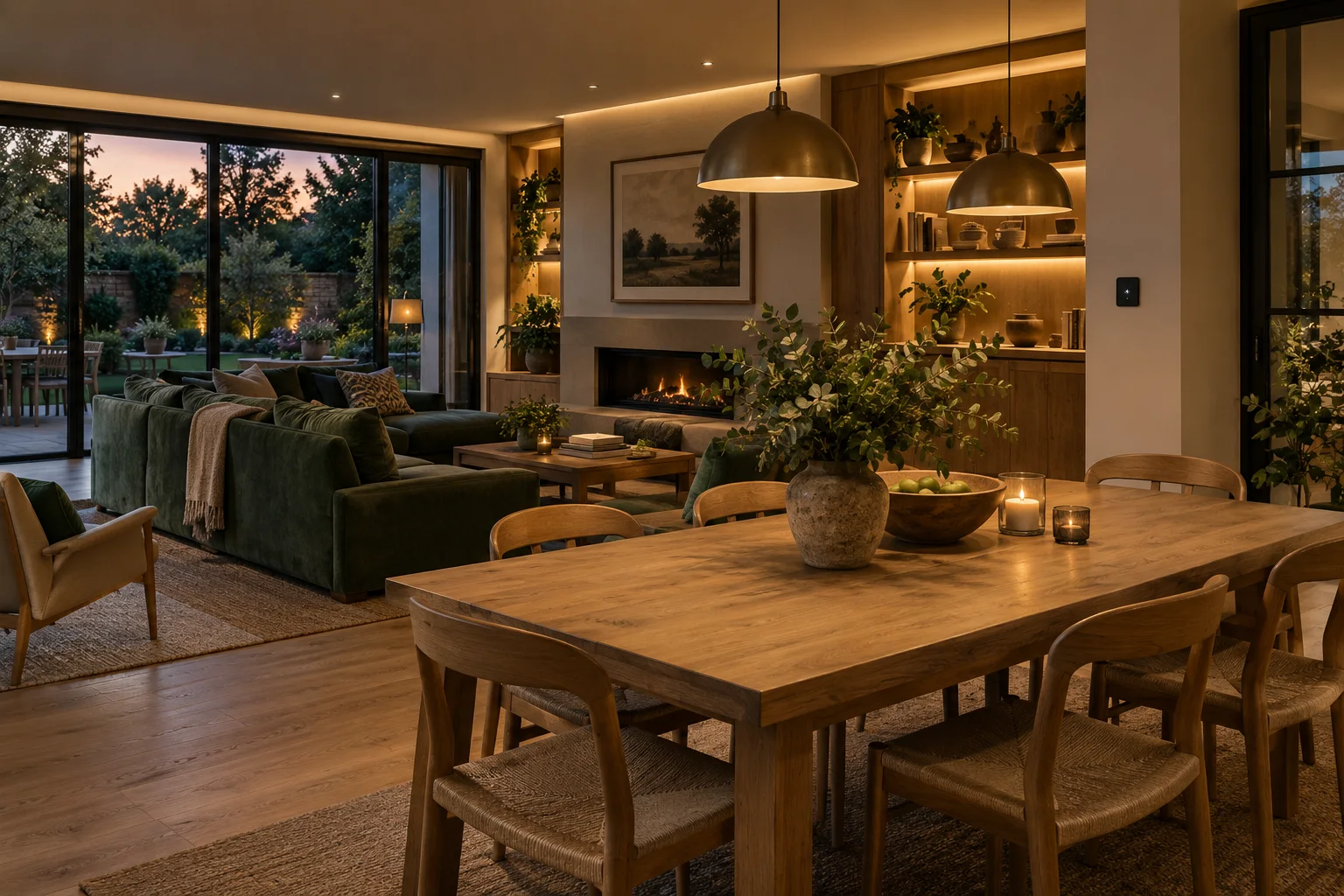
A useful example is an evening screen showing the lights you commonly change, the room temperature and whether the back door is open. Another is a reminder when a door remains open, with different behaviour when the household is home or away. These are design examples, not promises for every device.
The value comes from an actual problem: a repeated task, a confusing collection of apps or information that is difficult to compare. If your existing controls already meet your needs, adding another platform may create work without enough benefit. Start with the outcome and check whether a simpler option can achieve it.
What the installation involves
A considered installation needs more than a box and a login. Someone must choose suitable hardware, check the intended integrations, connect the relevant accounts or devices, design the controls and test the agreed routines. The network, backup arrangement and practical handover are part of the scope.
We would write down which integrations are essential and which are optional. We would also agree who maintains the system and what happens when hardware, accounts or services change. A household that enjoys experimenting may want more flexibility; another may prefer a tightly bounded set of routines.
What to ask before committing
Ask to see the proposed daily experience in plain language. Which actions will you use? Which original apps will remain? What is the fallback when the main dashboard is unavailable? Who owns the accounts and configuration? What support is included, and what is separately charged?
At Cotswold Automation the intended result is your own installation with a documented handover. Optional support should help you maintain it without becoming a condition for ordinary use. Equipment and third-party service costs are explained in the proposal, so the decision is based on the complete arrangement.
APPLY THIS TO YOUR HOME
What would you like to make easier?
A free 15-minute call with Miles helps establish whether a review or integration project is the right next step.